
A dated record helps distinguish conditions that were already there from changes during your tenancy. Keep your own copy and original photos.
THE RCH RENTER’S GUIDE
Your home.
A clear record.
Move in confidently. Document what you see. Leave with a record everyone can understand.
Open your condition checklist →For tenants and property owners · Move-in and move-out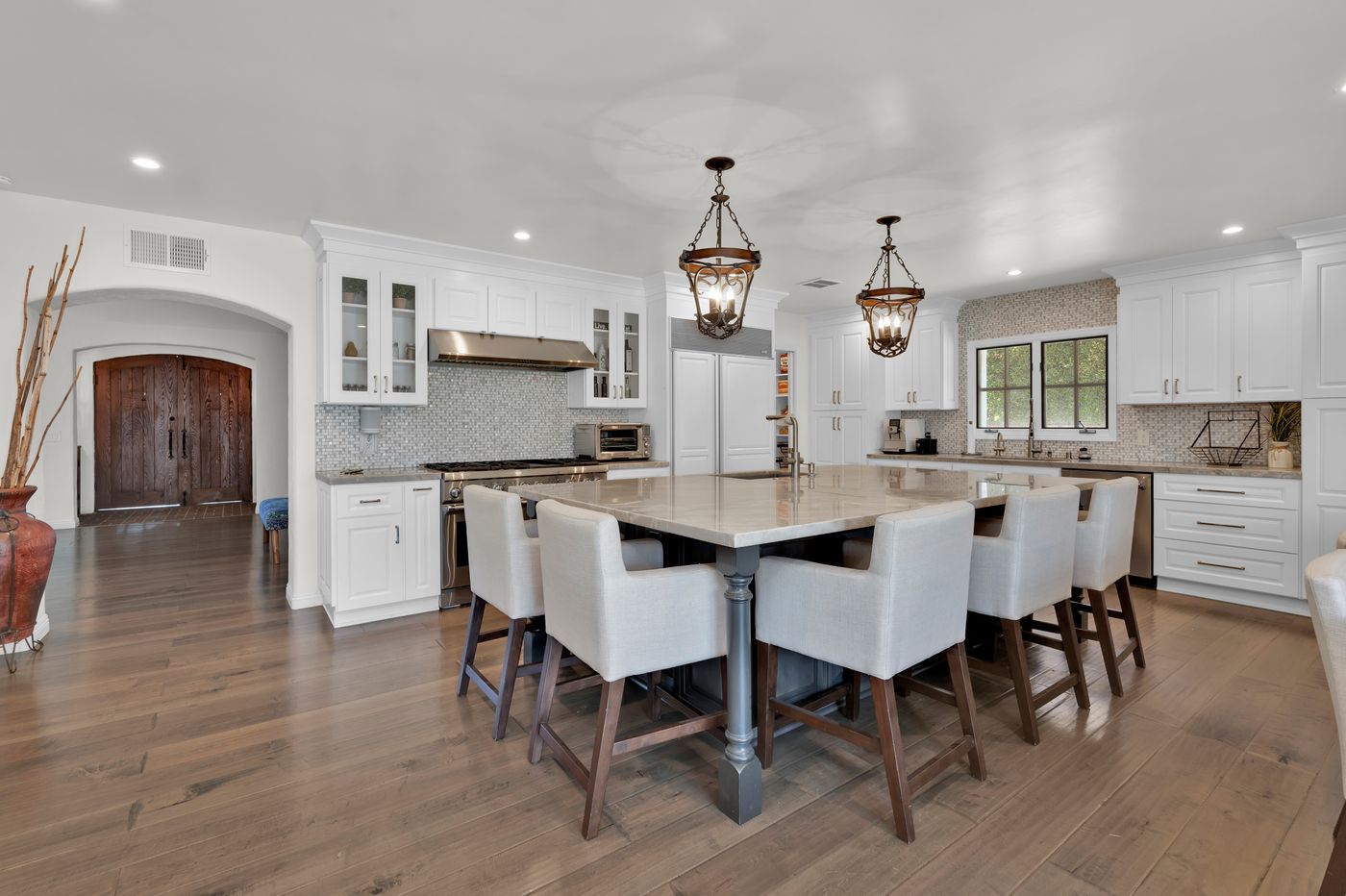
01 / A SHARED STARTING POINT
Details today prevent confusion later.
Clear notes help RCH understand a concern and compare the same item over time. Anything needing repair must also be reported through the maintenance process.
Consistent records support maintenance planning and a fair condition comparison. The checklist is evidence, not an automatic decision about charges or a guaranteed deposit refund.
02 / BEFORE THE BOXES TAKE OVER
Your move-in walkthrough.
Photograph the home before belongings cover walls and floors whenever possible. Use your lease, welcome instructions and property-specific checklist deadline. The standard form starts at five days after occupancy, or the agreed number of days; contact RCH promptly if you need clarification.
- Start with the right home. Select Move-in. Enter the address, unit, landlord and tenant names, contact email, lease date, move-in date and inspection date.
- Walk one room at a time. Check the actual condition before selecting Good. Use Other for a condition that needs explanation and N/A when the item is absent.
- Connect the evidence. Add a precise note and a photo to the relevant item. Record both clean, intact areas and existing concerns.
- Review, save and send. Complete the inventory and review steps, check the PDF, save your own copy and email it as instructed. Confirm the message actually sends with the attachment.
What to look at, room by room
Kitchen & appliances
Photograph counters, cabinet fronts and interiors, sink, flooring and each supplied appliance. Note chips, stains, missing shelves and what you could safely test. Record a model label only when relevant; avoid serial numbers in public sharing.
Bathrooms & plumbing
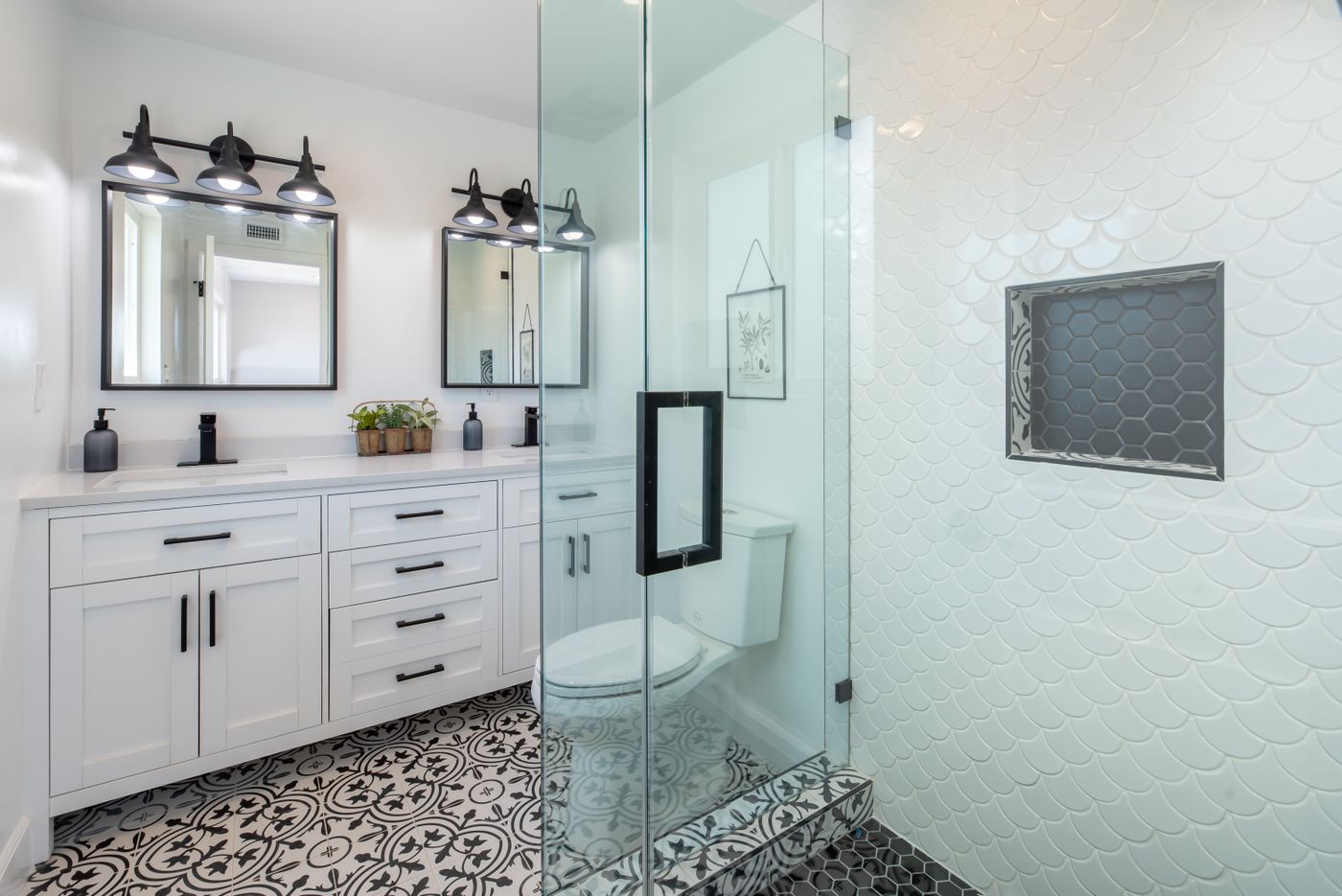
Check the visible condition of sinks, tubs, showers, toilets, mirrors and cabinets. Photograph existing staining, chipped surfaces or signs of moisture. Report active leaks separately right away; a checklist entry is not a work order.
Bedrooms & living spaces
Capture each room from the doorway and the opposite corner. Check walls, ceilings, floors, doors, closets, blinds, screens and windows. Describe the precise wall or corner rather than writing only ‘damaged.’
Exterior, garage & access
Record visible landscaping, gates, doors, garage surfaces and supplied access devices. Count keys and remotes. Stay on accessible ground; do not climb onto roofs, enter equipment enclosures or dismantle anything.
Safety & equipment
Locate the water shutoff and breaker panel. Follow supplied instructions for safe alarm testing; never disable a detector. If you cannot safely test an item, explain that rather than marking it Good. Report safety concerns promptly.
03 / SHOW THE ROOM, THEN THE DETAIL
Photos that answer questions.
Use a clean lens, good lighting and steady, level framing. Take one wide image to establish the location, then a closer image of the item. Add a detail image if a concern needs it. Keep the original files; avoid filters, heavy editing and screenshots of photos.
Write what you can see.
“Kitchen is bad.”
Example: “Kitchen — cabinet door immediately left of the sink: finish chipped along the lower edge; visible at move-in. Wide and close-up photos attached.”
Include the room, item, location, observed condition and date. Describe the condition without guessing its cause or who is responsible.
Protect privacy. Keep it useful.
Keep people, mail, financial papers, medications, door codes and personal belongings out of the frame. The current form accepts JPEG, PNG and WebP, resizes photos and removes location metadata.
The current limit is five photos per section and 40 per checklist. If more evidence is needed, ask RCH how to send the additional originals.
04 / PRACTICE BEFORE YOU START
What the form looks like.
The live checklist has four steps: Property, Inspection, Inventory and Review. Here is a simplified, interactive example of its condition choices. This practice area does not save or send anything.
RCH · Property condition checklistDEMO ONLY
1 Property2 Inspection3 Inventory4 Review
Kitchen · Cabinet condition
Choose a condition to see what to record.
Describe the condition
Simplified teaching example based on the live RCH form. No personal information is collected here.Cabinet door left of sink: chipped finish along lower edge, visible at move-in.
▧ Wide photo + close-up · example attachments
In the real form, add your own note and photos beside the relevant Other remark.Before exporting
- Verify the correct inspection type, address and tenant names.
- Check that notes and photos match the right item.
- Review inventory and any required acknowledgments.
- Open the PDF and check that its pages and photos are readable.
After exporting
- Save the PDF with the property, inspection type and date in the filename.
- Email the PDF using the form’s instructions and the recipient supplied by RCH.
- Check your sent folder and attachment; an opened email draft is not a sent report.
- Keep the PDF, original photos and confirmation together.
05 / CLOSE THE LOOP
Your move-out walkthrough.
Before your final day
- Give written notice using the timing and delivery method in your lease; confirm receipt.
- Request property-specific cleaning, access and key-return instructions.
- Coordinate utilities with RCH so the home can be inspected as needed.
- Ask RCH for the move-out inspection timing if you wish to attend.
Once the home is empty
- Remove belongings and trash; complete the cleaning required by your lease and instructions.
- Take new wide and close-up photos from the same angles as move-in.
- Start a separate Move-out checklist; preserve your original move-in record.
- Return keys and remotes as instructed, provide your forwarding address and keep relevant receipts.
How are move-in and move-out records compared?
The review considers the earlier record, current condition, lease terms, age and condition of the item, relevant maintenance history and applicable requirements. A photo by itself does not establish responsibility. Share any missing context or supporting records with RCH.
Does a completed checklist guarantee my deposit back?
No. It documents condition; it does not decide the final account. Any deposit reconciliation depends on the lease, account, evidence and applicable law. Ask RCH about any item you do not understand and keep your correspondence.
What if I missed something at move-in?
Contact RCH as soon as you discover it. Send dated photos and an explanation of when you noticed the issue. Do not backdate a photo or alter an earlier report. Report needed repairs separately.
06 / FOR PROPERTY OWNERS, TOO
Better records. Clearer conversations.
The same guide is public for owners. It shows how tenants document a home and why consistent condition records matter. Completed reports contain private household information and should be shared only through the appropriate RCH channels.
Move-in documentation records existing condition. It helps put later photos and maintenance concerns into context.
Photos can identify items worth reviewing. Reporting a condition does not replace a repair request, approve work or authorize a charge.
Review like-for-like views and the supporting history. Ask RCH about uncertain conditions before drawing conclusions about responsibility.
Ready to walk through?
Take your time. Be specific. Keep a copy.
For immediate danger, leave the unsafe area and contact emergency services. Do not wait for a checklist review.